Generate a FUXA web SCADA from TIA Portal
Building a SCADA for a machine usually means creating tags by hand, assembling screens click by click, and retyping addresses. AnyAutomation Studio turns that into a generator step: Studio builds a complete FUXA project from your CPU's OPC UA address space and, if you want, provisions it straight onto a running FUXA instance.
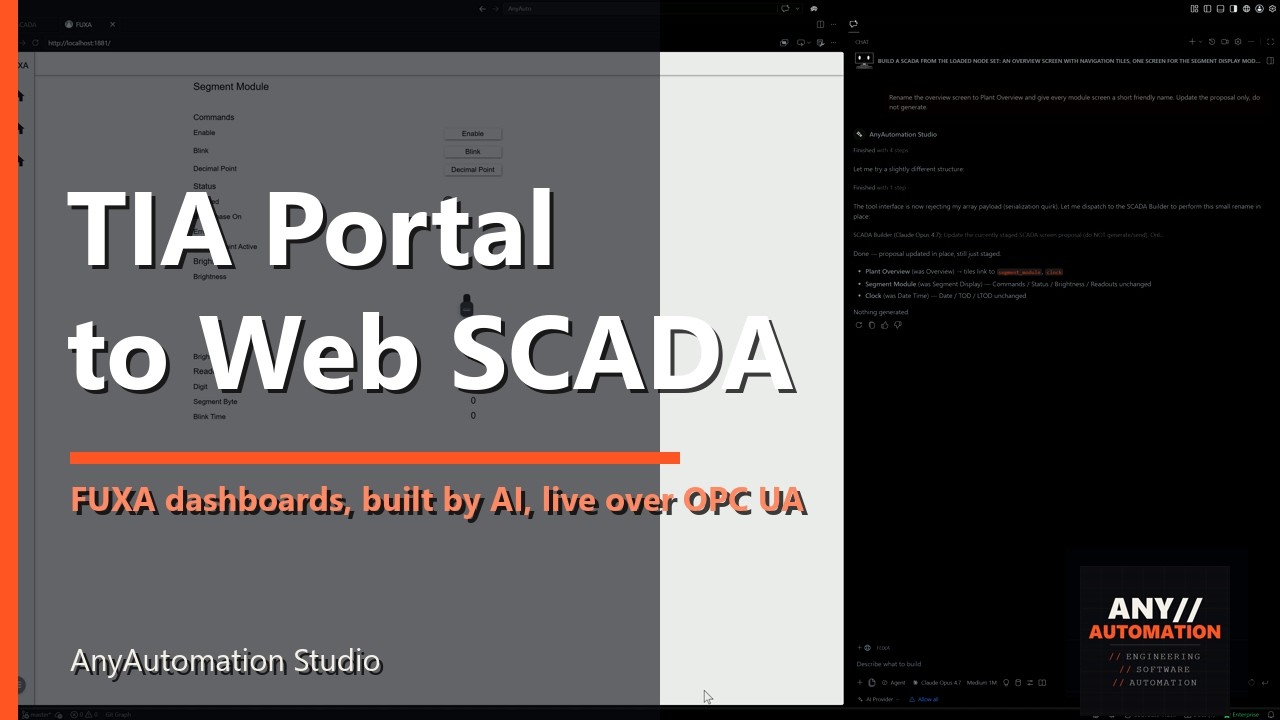
The video shows the whole run in about three minutes, from TIA project to live values in the browser.
What is FUXA?
FUXA is an open-source web SCADA (MIT license) by frangoteam: process screens run in the browser, the server typically runs as a Docker container. It speaks OPC UA among other protocols, which makes it a natural visualization layer next to TIA engineering, with no license cost per client.
From TIA project to dashboard
The path in Studio, gathered on one SCADA page plus the chat:
- Export the node set. Studio exports the CPU's OPC UA address space straight from the open TIA project, with no online connection to the controller.
- Pick the signals. In a tree you select the blocks and variables that belong in the SCADA, with read and write access marked per signal.
- Screens from the AI. The SCADA builder groups the signals into named screens with fitting widgets: values, inputs, buttons, lamps, gauges, sliders, charts, motors, valves. Fine-tuning happens right in the chat.
- Generate and provision. Studio builds the FUXA project and pushes it to your instance, replacing the project that is there, after a confirmation. Or it saves the project as a file for manual import. The FUXA container itself can also be started and managed from Studio via Docker.
Every tag is bound to its real OPC UA node ID. That is why the screens show live values immediately, with no rework in the FUXA editor, from a real S7 just as from PLCSIM.
Your own symbols
Your own SVG symbols can be wired up as switched indicators: one symbol, one variable, two colours for off and on. The dashboard ends up looking like your machine, not like a widget library.
Conclusion
Visualization does not have to be a separate project alongside the engineering. With the generator, the FUXA dashboard is built from the same data as the PLC program, reproducibly and in minutes instead of days. The SCADA features are available from the Pro license up. See how it fits with AI in TIA Portal and the rest of the toolbox on the Studio page; FUXA itself is on GitHub.