Unit testing & AI code generation for Siemens TIA Portal
// Engineering · software · automation
Agentic engineering · EPLAN to PLC
AI writes, tests and ships the code. From schematic to controller, in one platform.
ZH/CH
ANY//OS · studio.shell
v3.2.1

Automation engineering IDE
AnyAutomation Studio
TIA Portal · CODESYS · PLC Online · AI Cascade · Forge · and more
The next generation of TIA Openness Manager: familiar capabilities, a new code-first editor.
// From schematic to PLC
One lifecycle. One platform.
EPLAN to PLC, agentic. AI guides every step.
01EPLANSchematic in
02TIA ProjectSet up the project
03ConnectorImport the context
04AI CascadeAgentic codegen
05WinCCVisualization
06GitVersioning & CI/CD
07PLCSIMUnit testing
08PLCCommissioning
// See it live
AI writes an SCL block. Live.
First video on our YouTube channel: an agent creates an SCL block in Siemens TIA Portal, from description to compiled block.
// The click loads the video from youtube-nocookie.com. No Google request before that.
More on YouTubeStudio in action
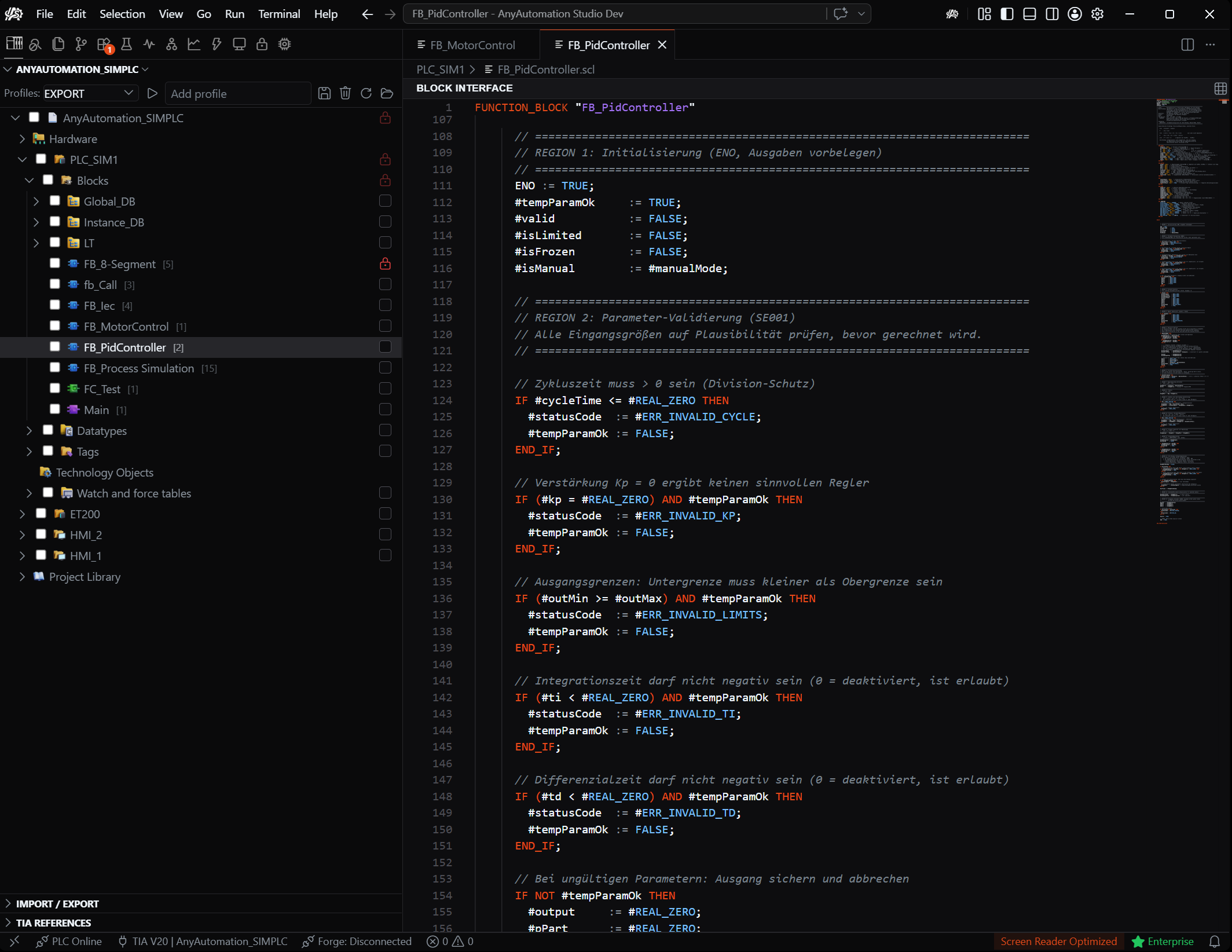
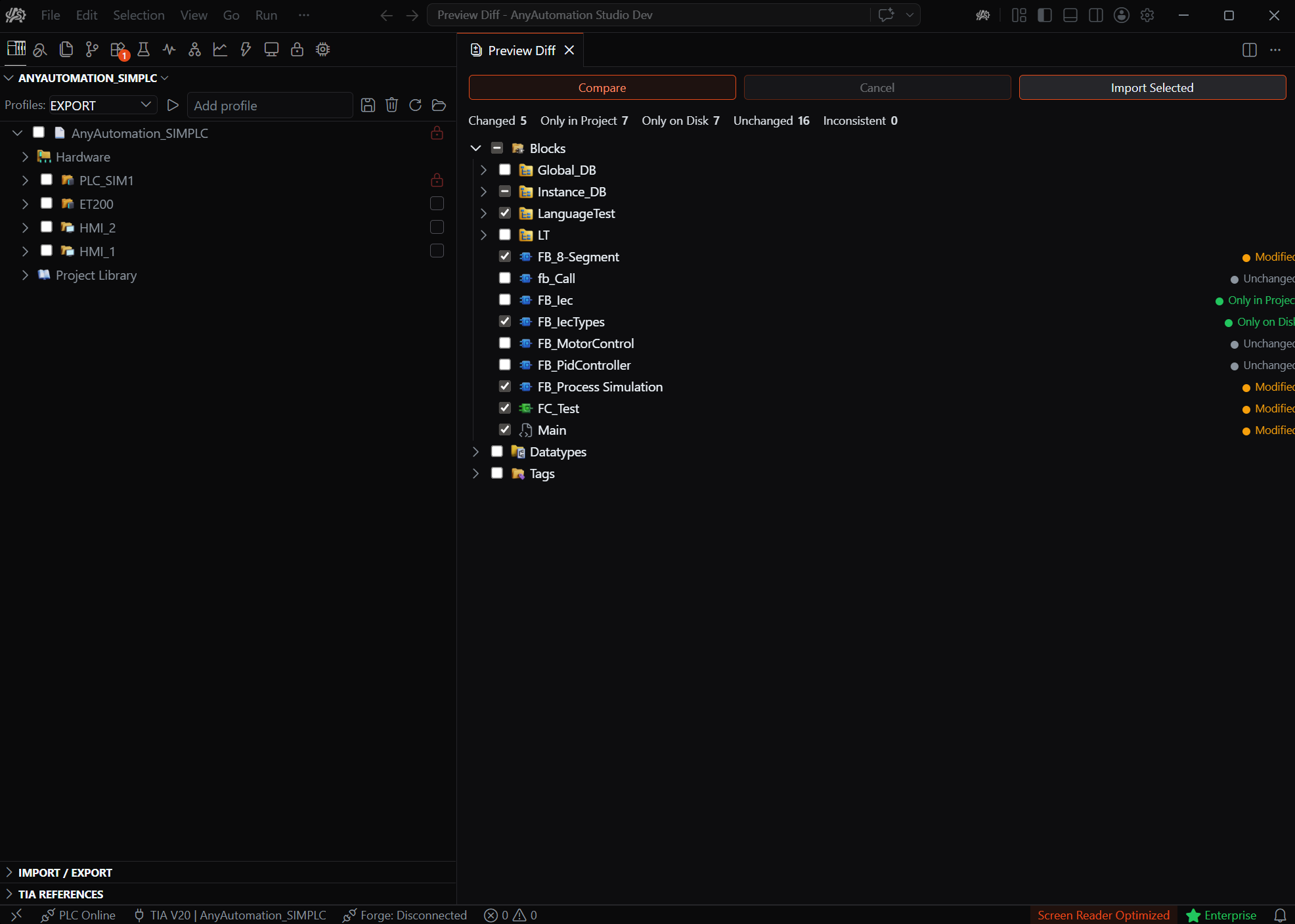
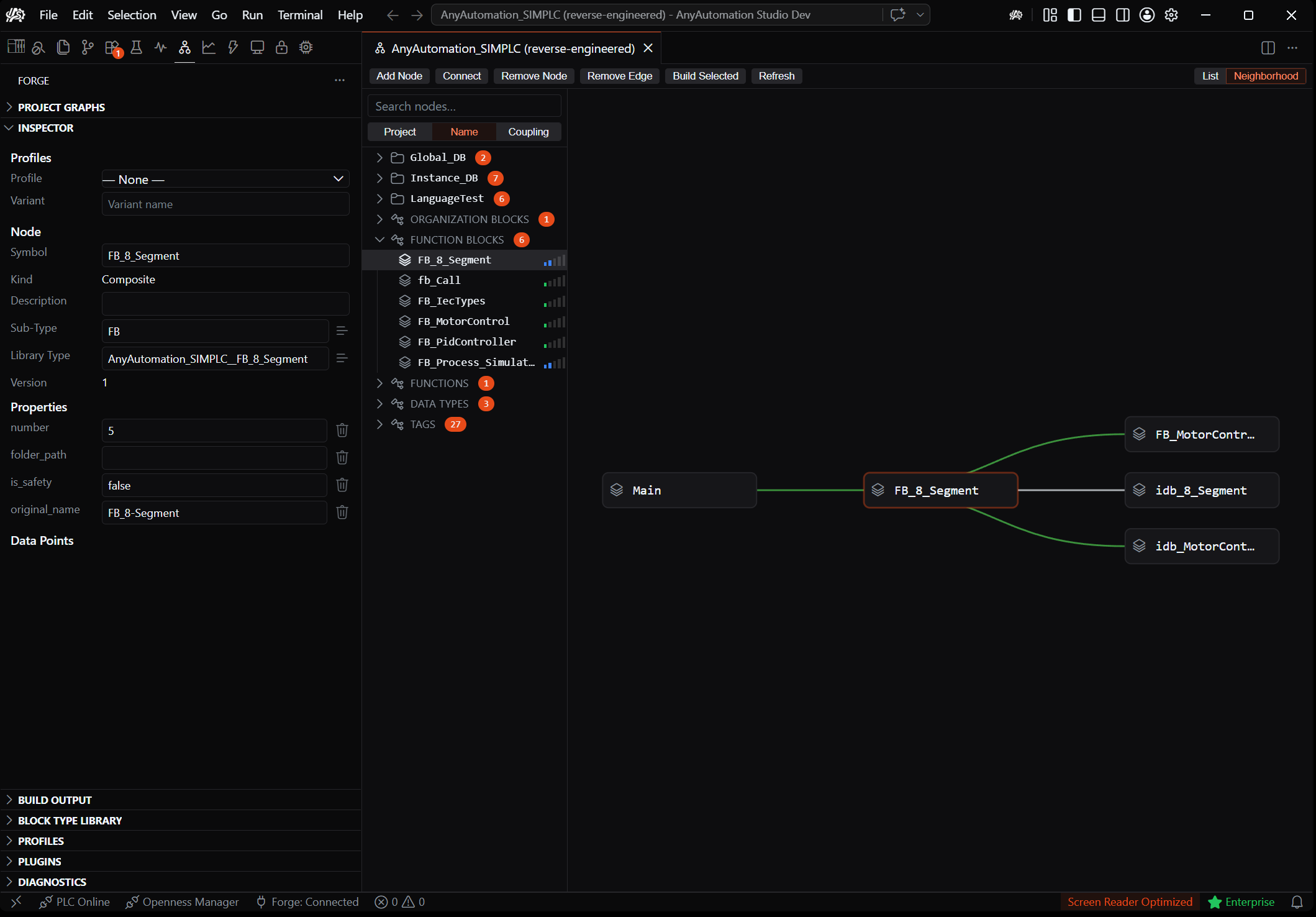
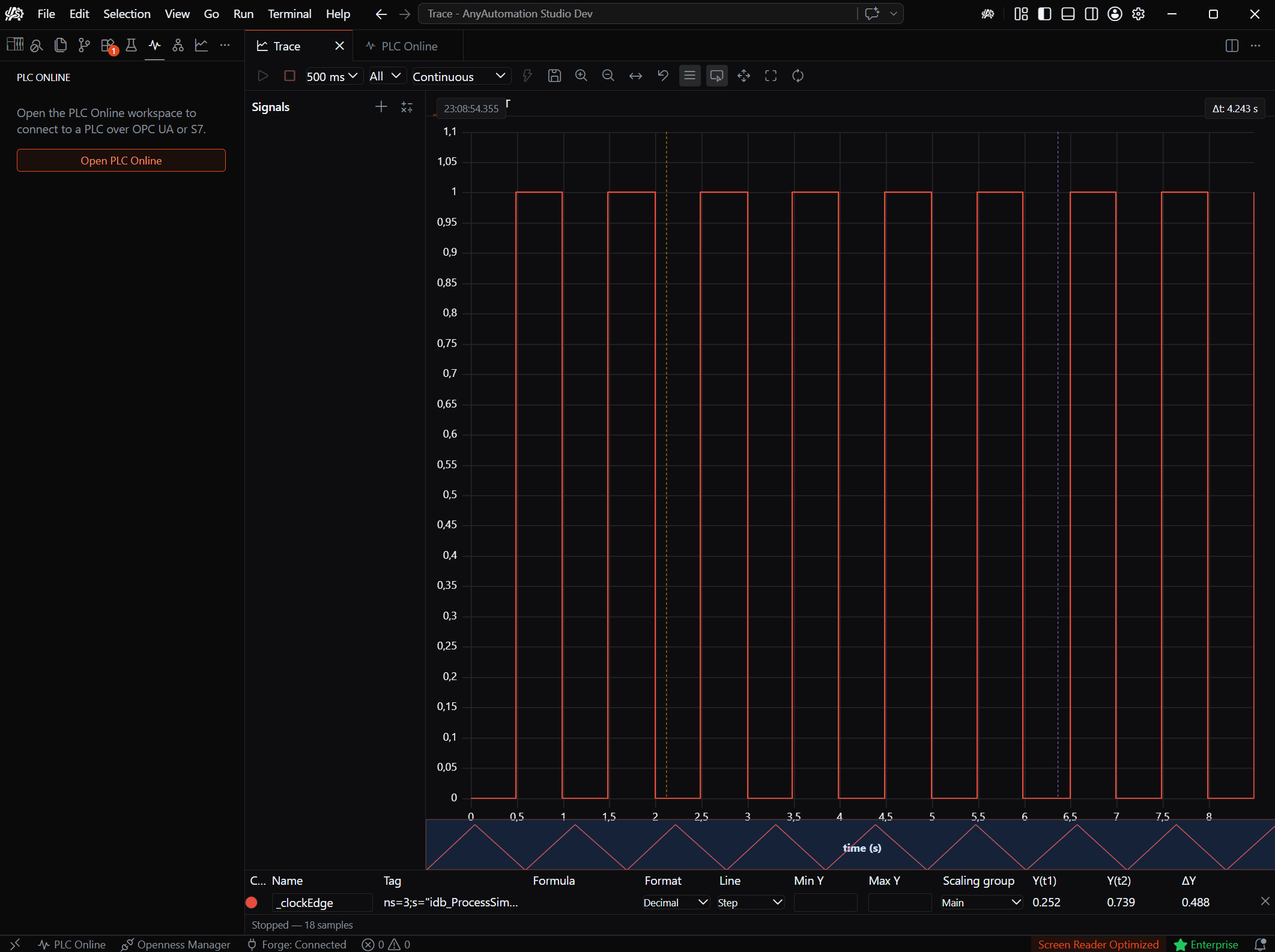
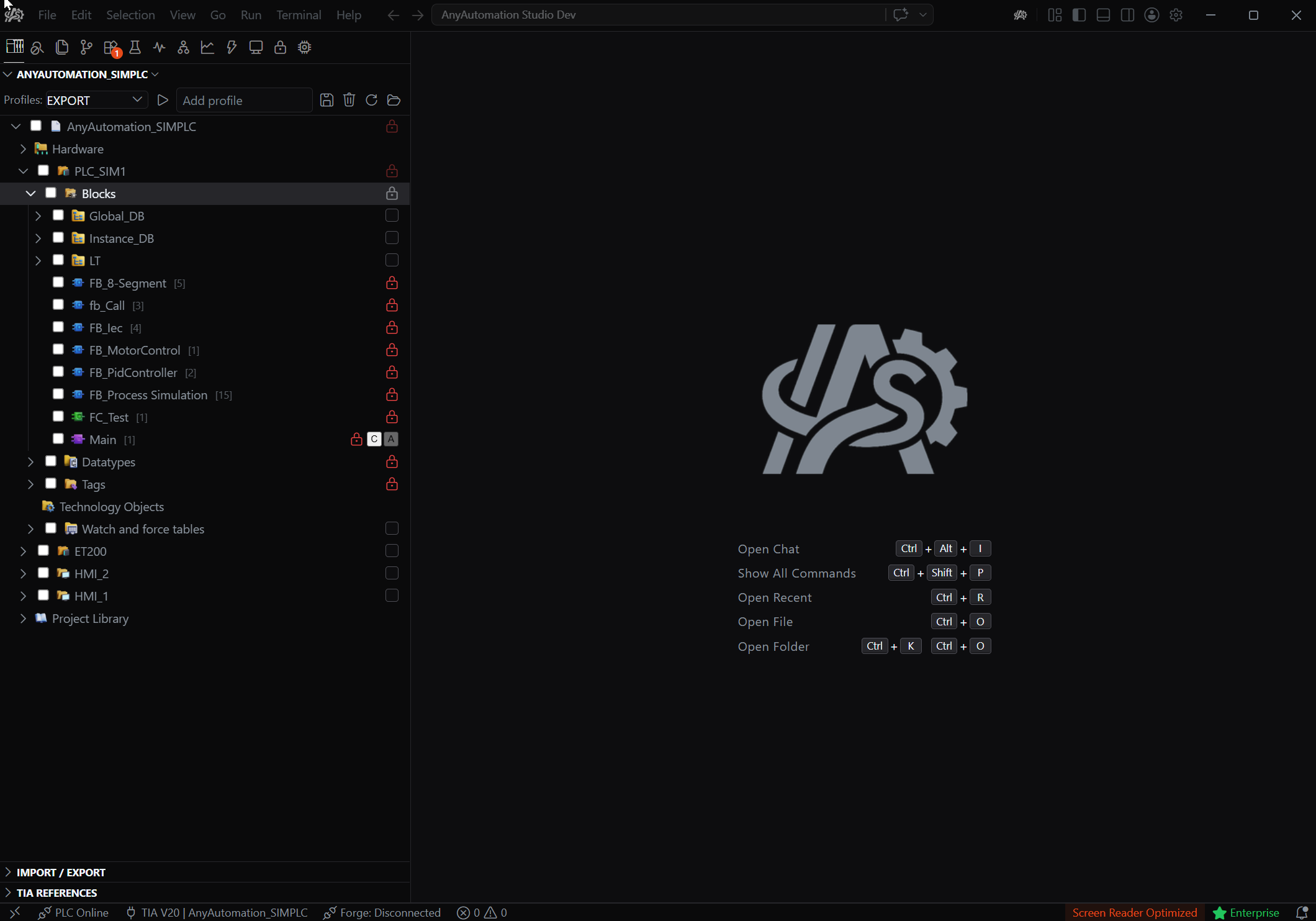
One toolkit, one IDE. This is what engineering looks like in AnyAutomation Studio.
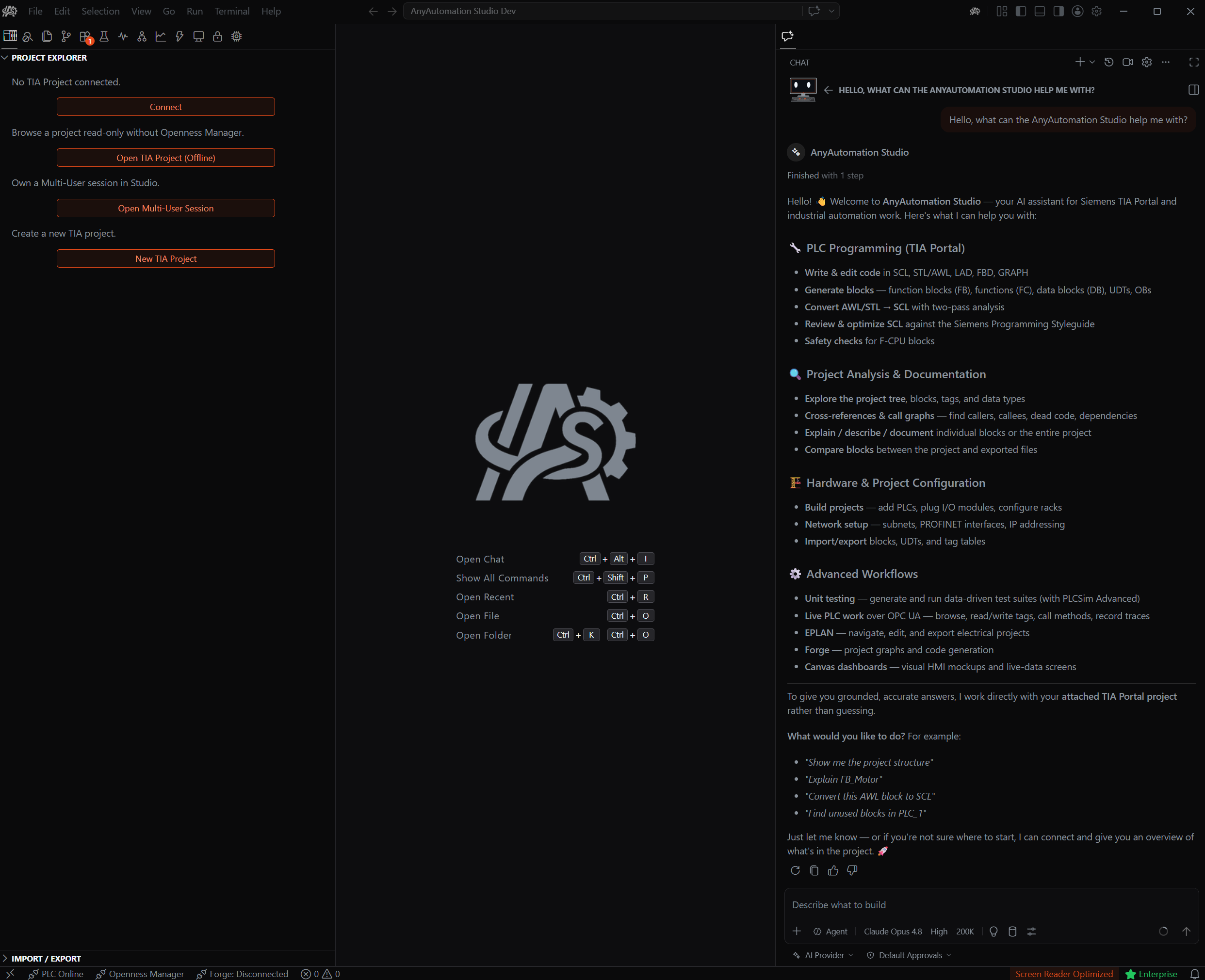
01 // AI Chat
An AI assistant for your project
Analyze and document program logic, generate and convert SCL/AWL, and debug. The assistant knows your TIA project and works right in the IDE.
- Assistant
- Code gen
- Documentation
What Studio can do
01
TIA Portal
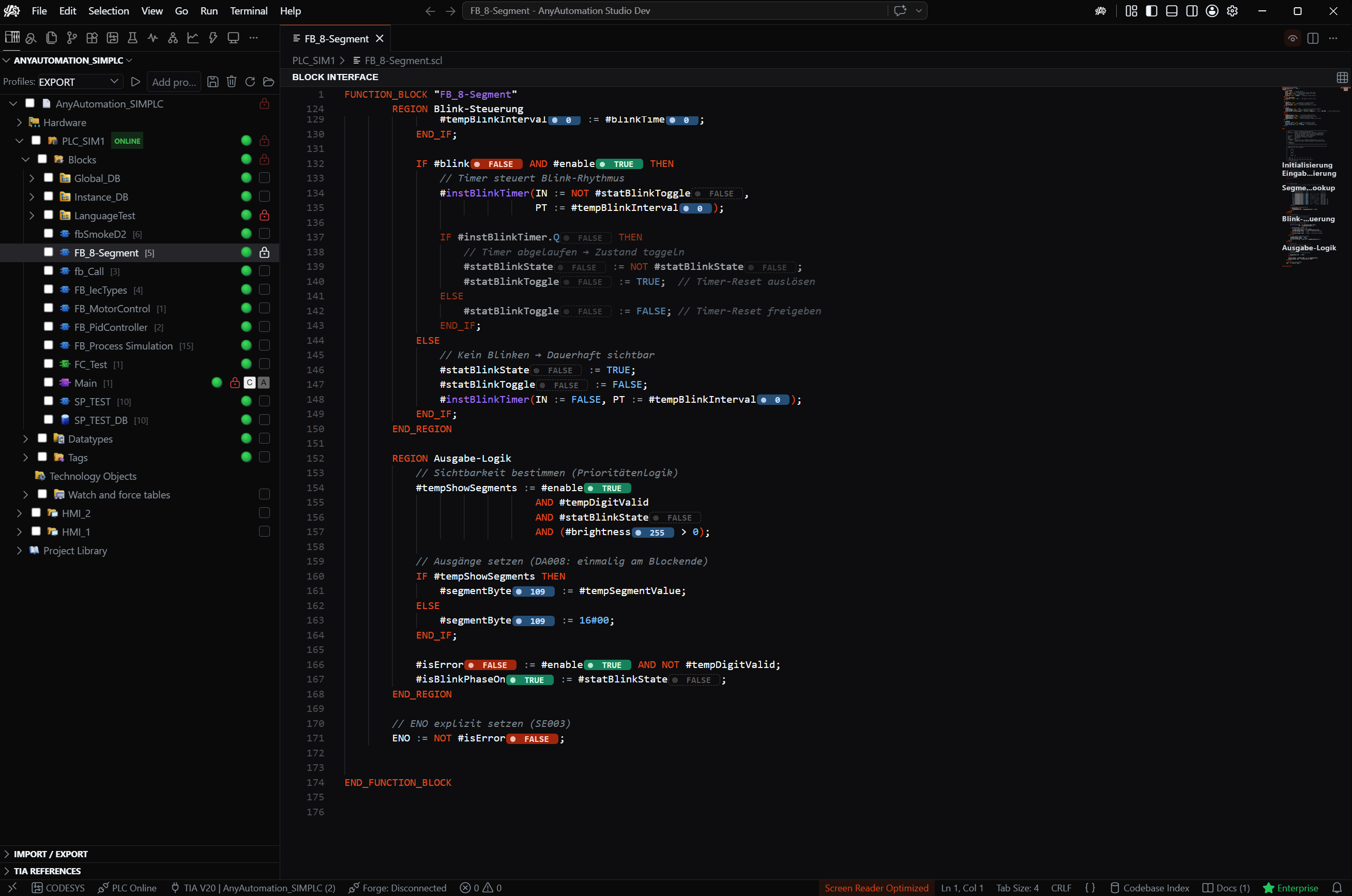
Straight into TIA Portal: analyse, export, compare and generate blocks. Programmatic, not click-by-click.
- TIA Portal V15-V21
- Openness automation
- Block & project analysis
- SCL export & generation
02
CODESYS
Open CODESYS projects right in Studio: browse objects as a tree, view block code, export to PLCopenXML.
- CODESYS 3.5
- Object tree & code view
- PLCopenXML export
- Pro and above
03
PLC Online
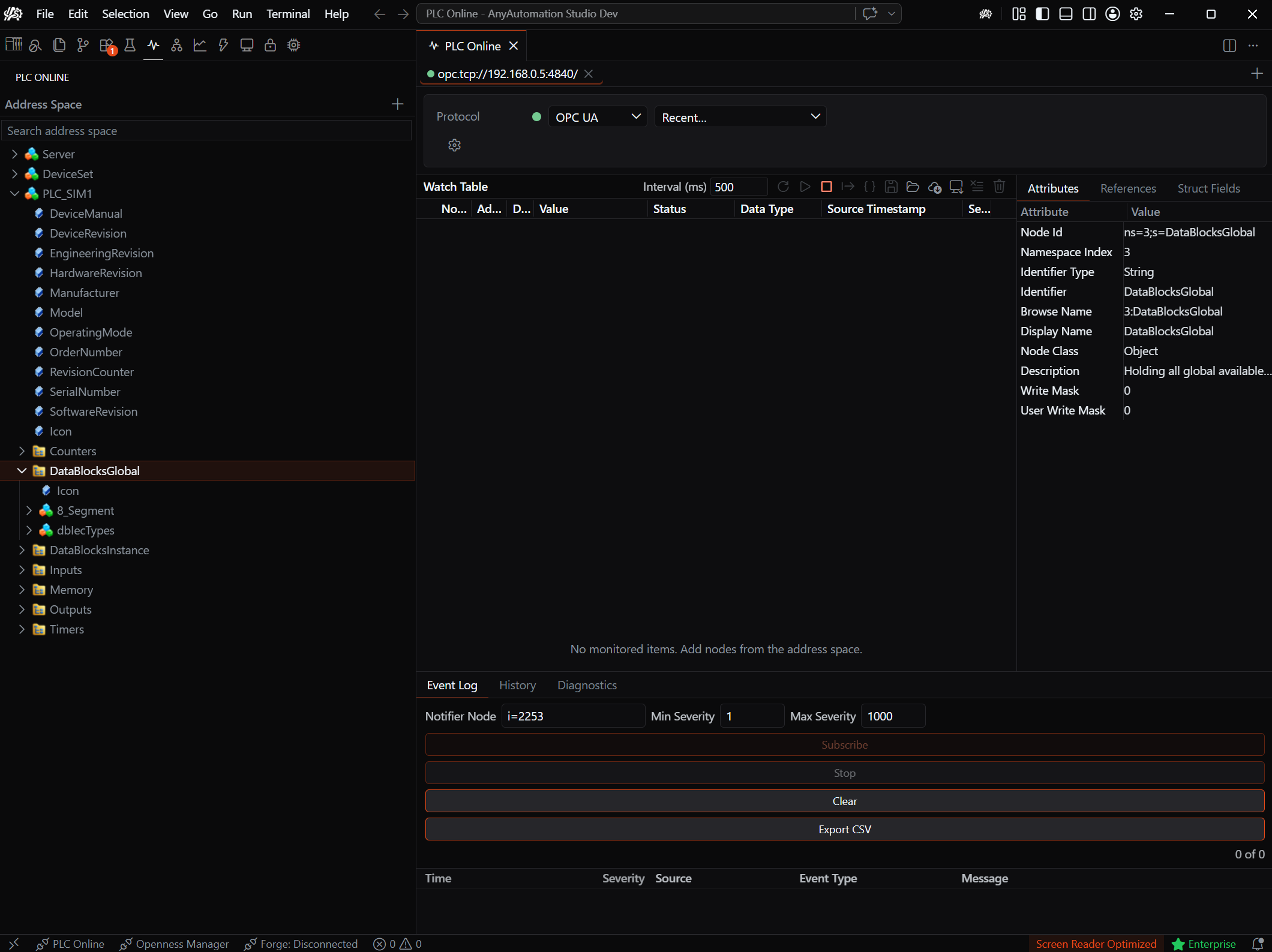
Live to the controller. Watch and write values without keeping TIA Portal open.
- S7 Native
- OPC UA client
- Live monitoring
04
Hardware Simulation
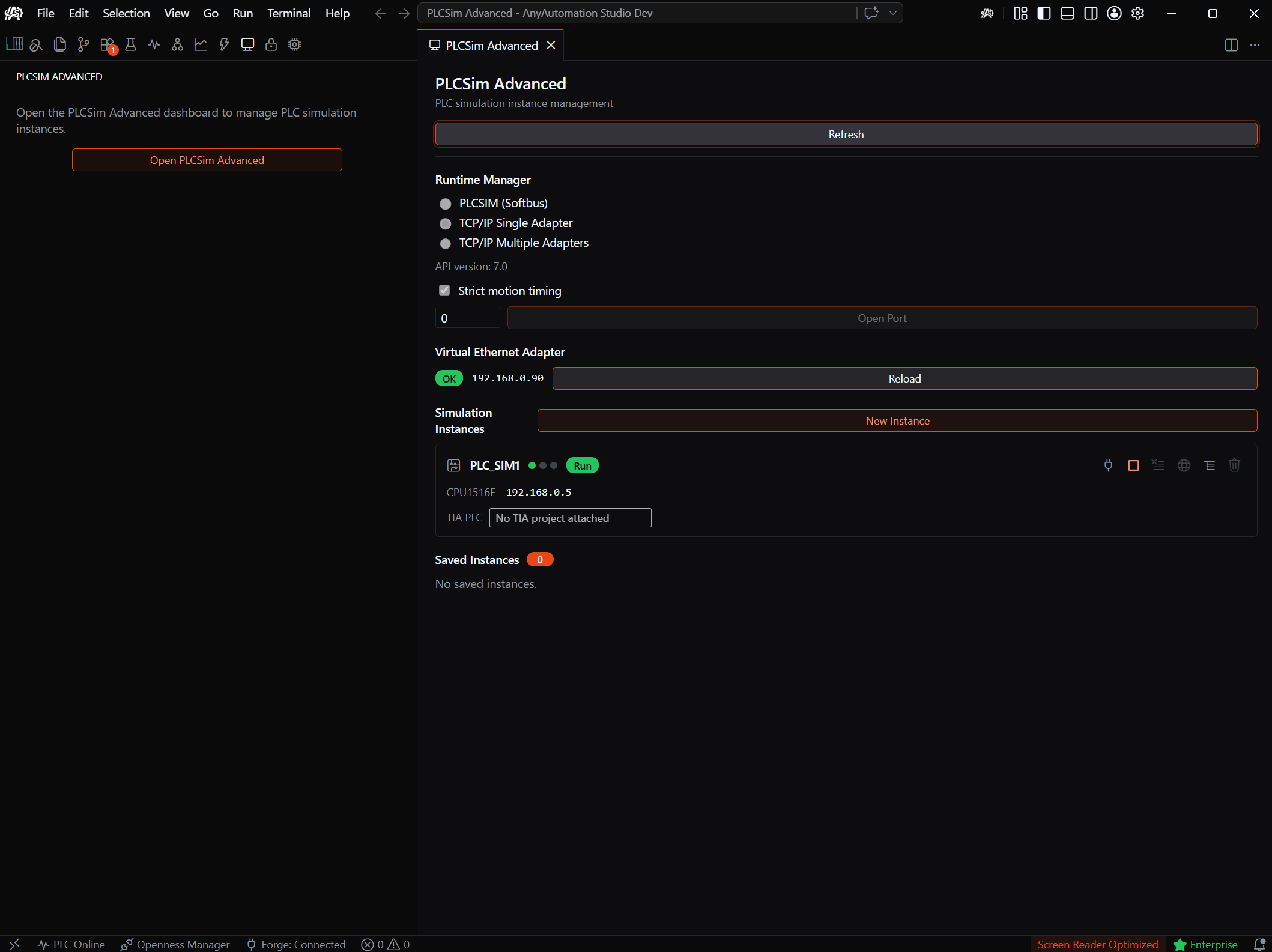
Spin up and control PLCSIM Advanced instances right inside Studio: exercise PLC logic without physical hardware.
- Create & control instances
- Live tag browser
- Read / write / watch tags
- No hardware required
05
Unit Testing
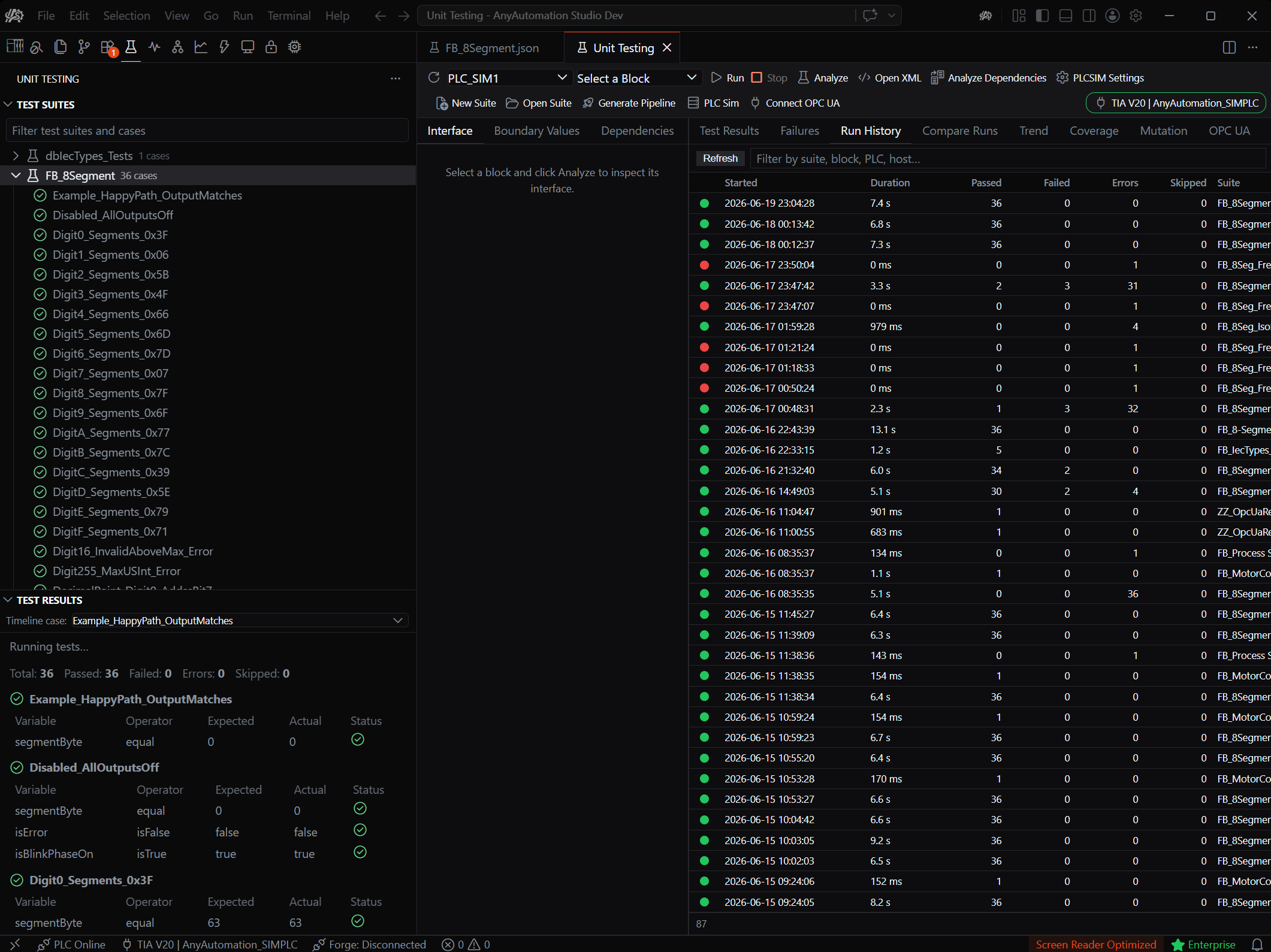
Write, run and evaluate SCL unit tests for your TIA blocks, on PLCSIM Advanced or real hardware, with AI authoring and CI/CD.
- AI-authored test suites
- PLCSIM Advanced & real PLC
- CI/CD runner & reports
- Run history & trends
06
AI Cascade
The agentic engine across your whole project: ask, generate, refactor with full context, SCL and WinCC.
- Project-wide context
- Agentic code generation
- SCL & WinCC
- MCP tools
07
Forge
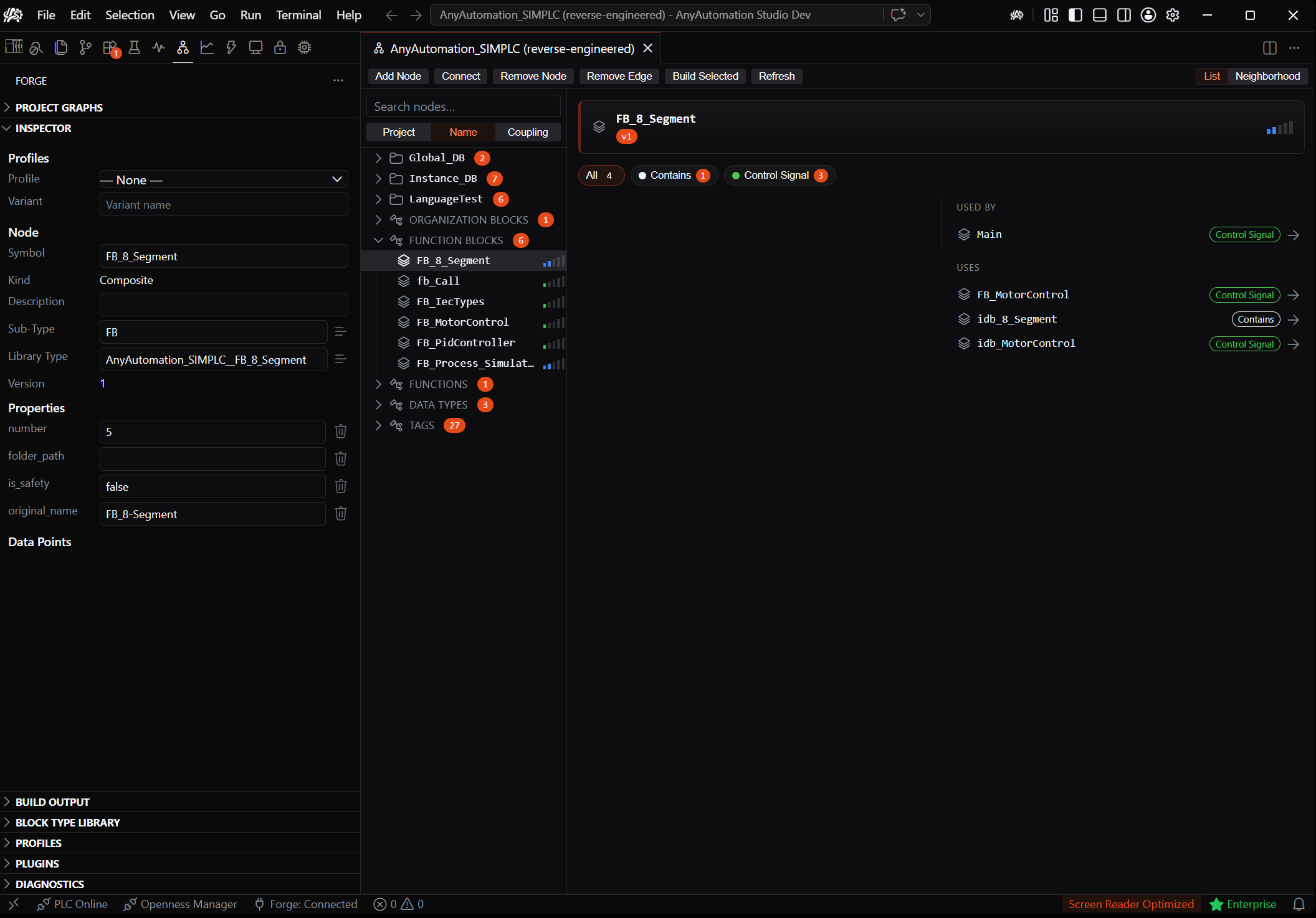
A reusable block-type library: capture blocks from any project, organise them, and deploy the whole library into a connected PLC.
- Capture from TIA projects
- Reusable type library
- Deploy to PLC
- Project graphs
// TIA Portal AI
AI for TIA Portal, with your model
Claude, GPT, Gemini or local via Ollama: Studio brings a TIA Portal AI assistant with project-wide context to PLC programming, without vendor lock-in. What AI can do in TIA Portal today, on one page.
// Multi-provider · local option · MCP tools
Send an idea
Describe your idea.